
Google Play Store
Google Play Store is Google's digital distribution platform for Android, used to find, install and update apps, games and books.
101.1 MB
5.0 · Eric Xiang · Page updated
Google Installer is a third-party Android app by Eric Xiang, not by Google, that tries to add Google Play services to phones sold without them.
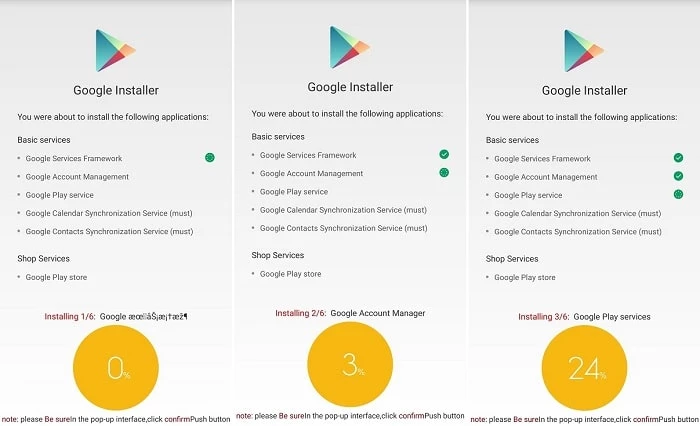
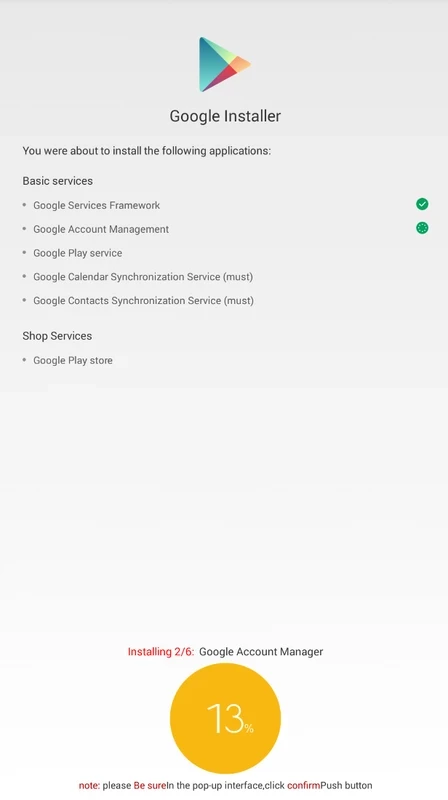
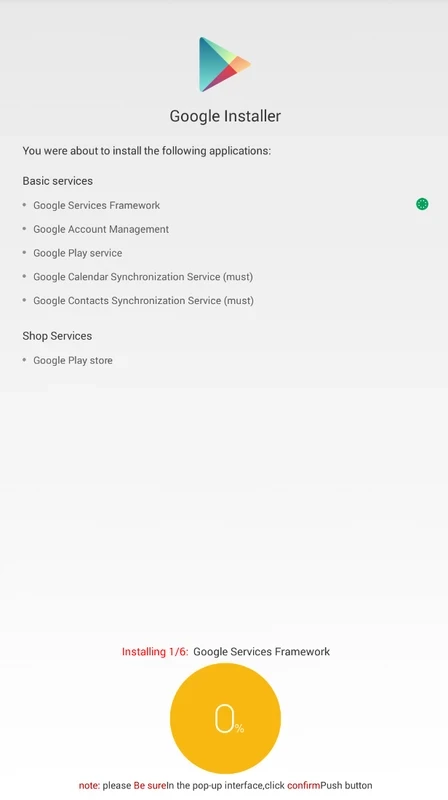
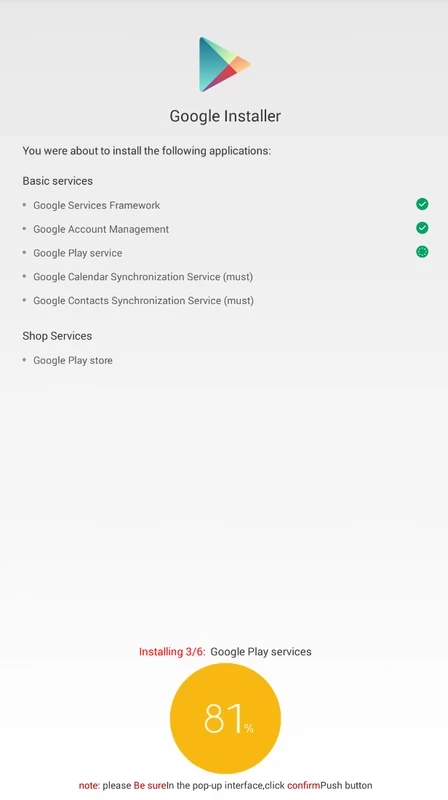
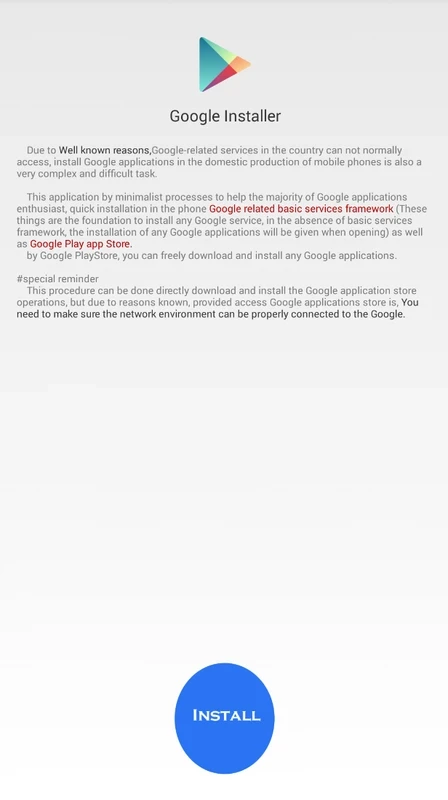
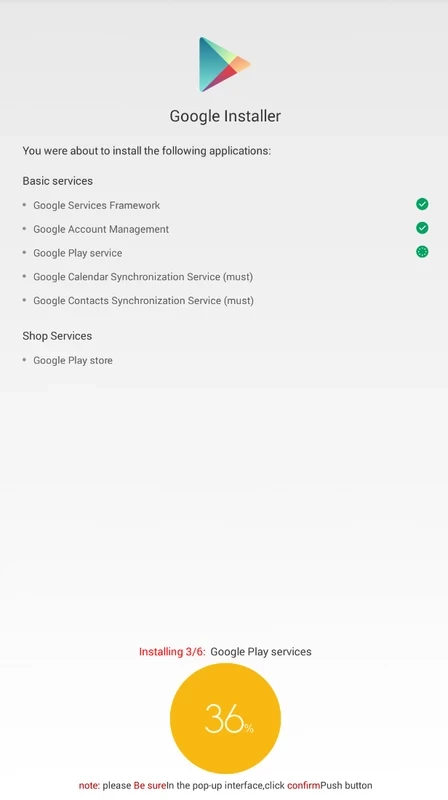
Google Installer 5.0 is a third-party Android app, made by developer Eric Xiang, that tries to install Google Play services, Google Play Store and related components on phones sold without them. Despite its name, it is not made or approved by Google, and before any Google Installer download you should understand the risks to your device and Google account.
Some Android phones, especially models made for markets where Google services are not offered, ship without Google Play and the background services many apps rely on. Google Installer is a small package that downloads and installs a set of Google components, such as the services framework, account manager, Play services and Play Store, in the right order, so that the user can sign in with a Google account. For a while such installers were a popular workaround. The problem is that the files do not come from Google, the app has not been reviewed by any store, and the packages it installs may be outdated or altered. Google also checks whether a device is certified; on uncertified devices, Google apps may refuse to work, show warnings or stop receiving updates, and account sign-in can be blocked.
There is no way for an ordinary user to verify what the installer puts on the phone. It needs broad permissions and installs system-level components that can read account data. Risks include:
Google publishes a list of Play Protect certified devices at android.com/certified, and a phone can also show its status in the Play Store settings under Play Protect certification. If you need Google Play and Google apps, choose a certified phone. If your phone is not certified, use the manufacturer's own app store and web versions of Google services, such as Gmail and Maps in the browser, instead of forcing Google components onto the system.
The app runs on Android devices without Google services. It is tiny, about 179.51 KB according to catalogue data, because the actual components are downloaded afterwards.
Yes, it is distributed for free. Paid tools that promise the same result exist too; treat them with the same caution.
On phones without Google services, Huawei AppGallery and GetApps are official manufacturer stores on our site, and Aurora Store is an open-source client for Play Store downloads. On certified devices, Google Play Store is already built in.
Google Play Store is Google's digital distribution platform for Android, used to find, install and update apps, games and books.

APKPure is a third-party app marketplace for Android that installs apps from APK files outside Google Play. This page covers version 3.20.7803.

Aptoide is an open-source alternative app store for Android, running since 2009. This page covers version 9.22.5.3.

QuickShortcutMaker is a small Android tool for creating home screen shortcuts to specific screens of installed apps, including hidden settings.